Get 20% off on LUTs & Presets ! Use Code : Colors
Free vs Paid Creator Tools: What Should You Choose in 2026?
As a content creator, one of the biggest questions you’ll face is whether to use free tools or invest in paid ones. With so many options available today, it can get confusing to decide what’s actually worth your money. The truth is, both free and paid tools have their place. In this guide, we’ll break down the differences, pros, cons, and help you decide what’s best for your workflow.
3/23/20261 min read
1. Free Tools: The Best Starting Point
Free tools are perfect for beginners who are just starting their journey.
🔧 Popular Free Tools:
CapCut – video editing
Canva (Free version) – design
Lightroom Mobile – basic editing
ChatGPT (Free) – captions & ideas
Advantages:
No cost
Easy to use
Great for learning
Limitations:
Limited features
Watermarks (sometimes)
Less customization
Practical Example:
You can create high-quality reels using just CapCut + Canva without spending anything.
2. Paid Tools: When Should You Upgrade?
Once you start growing, free tools may feel limiting. That’s when paid tools become useful.
🔧 Popular Paid Tools:
Adobe Lightroom & Photoshop – professional editing
DaVinci Resolve Studio – advanced color grading
Epidemic Sound / Artlist – music licensing
Canva Pro – premium design features
Advantages:
Advanced features
Better quality output
Faster workflow
Limitations:
Monthly cost
Learning curve
3. Free vs Paid: Direct Comparison
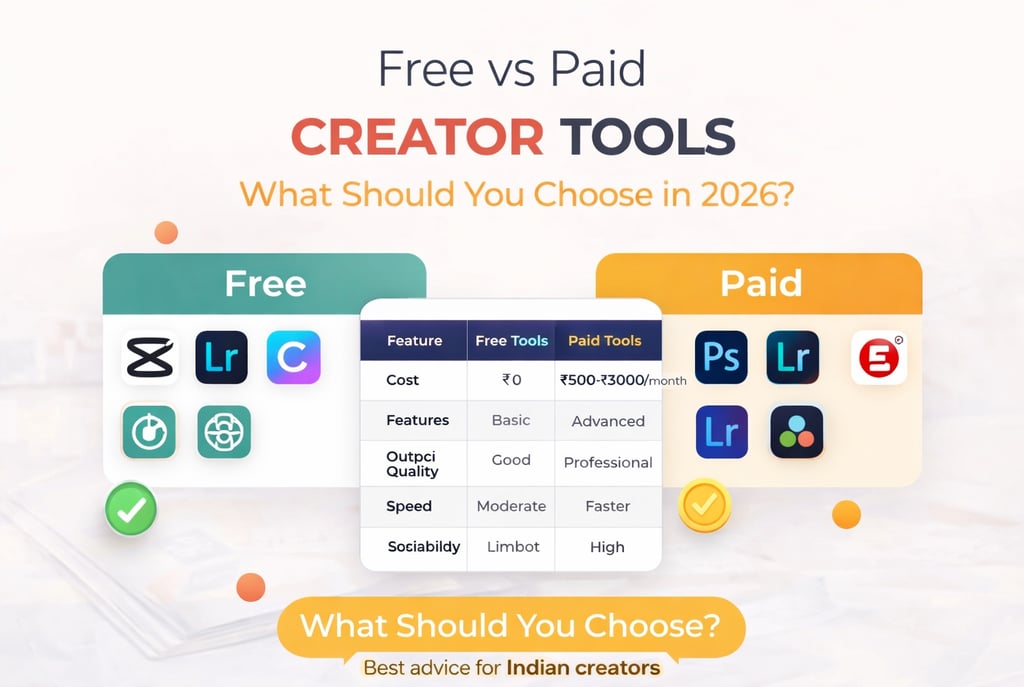
Feature | Free Tools | Paid Tools
--------------|-------------------|---------------------
Cost | ₹0 | ₹500–₹3000/month
Features | Basic | Advanced
Output Quality | Good | Professional
Speed | Moderate | Faster
Scalability | Limited | High
4. What Should Beginners Choose?
If you are just starting:
👉 Stick to free tools
Focus on:
Learning basics
Building consistency
Creating content
5. What Should Professionals Choose?
If you are working with clients:
👉 Invest in paid tools
Because:
Clients expect quality
Faster delivery
Better results
6. Smart Strategy (Best Approach)
The best approach is:
👉 Use a mix of free + paid tools
Example Workflow:
CapCut (editing)
Lightroom (color grading)
Canva (design)
Paid music (for client work)
👉 You can also explore tools here:
tools4creators.com
Conclusion
Free tools are powerful enough to get you started, but paid tools help you scale faster. The key is to invest only when it actually improves your workflow and income.
FAQs
1. Are free tools enough for beginners?
Yes, more than enough.
2. When should I switch to paid tools?
When you start earning or feel limited.
3. Are paid tools worth it?
Yes, if they save time and improve quality.