Get 20% off on LUTs & Presets ! Use Code : Colors
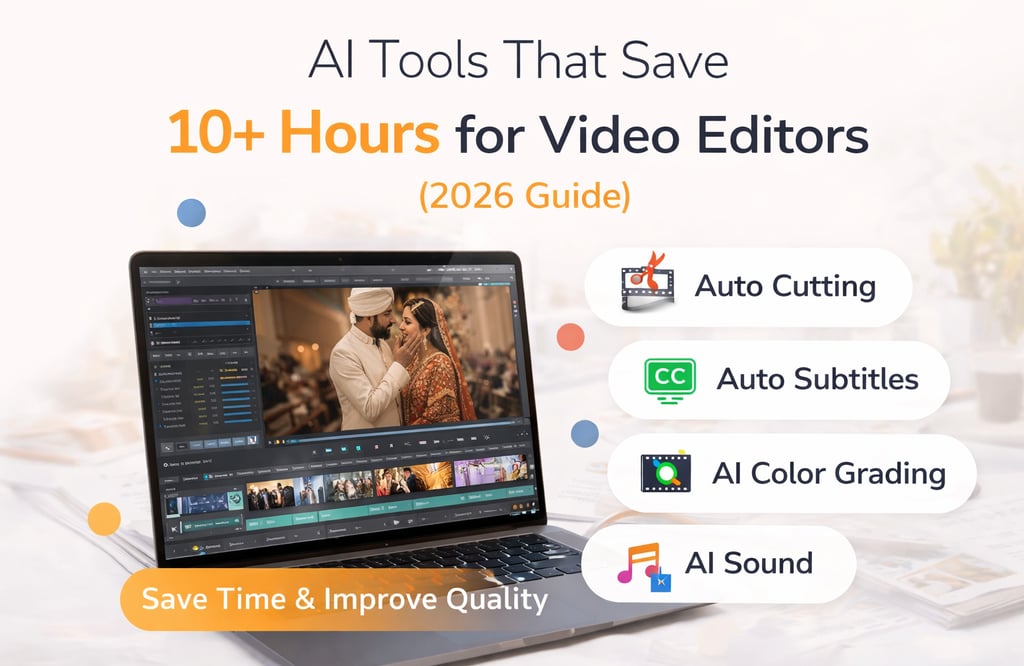
AI Tools That Save 10+ Hours for Video Editors (2026 Guide)
Video editing is one of the most time-consuming parts of content creation. Whether you’re editing wedding films, reels, or YouTube videos, hours are spent cutting clips, adding subtitles, syncing audio, and color grading. But in 2026, AI tools are changing everything. These tools can reduce your editing time by more than 50 percent while improving quality. In this guide, we’ll explore the best AI tools that help video editors save time and work more efficiently.
3/23/20262 min read
1. Auto Cutting & Silence Removal
One of the most boring tasks in editing is cutting unwanted parts, especially silence or mistakes.
AI tools can automatically detect and remove these parts.
🔧 Best Tools:
Descript – removes filler words and silence automatically
Wisecut – auto jump cuts + silence removal
Premiere Pro Auto Cut (AI features)
What They Do:
Remove pauses
Cut filler words like “uh”, “umm”
Speed up rough editing
Practical Example:
Upload your talking video → AI removes pauses → timeline becomes clean in seconds.
👉 Saves hours in rough cut stage.
2. Auto Subtitles & Captions
Subtitles are essential today, especially for reels and social media content. But adding them manually takes a lot of time.
AI can generate subtitles instantly.
🔧 Best Tools:
CapCut Auto Captions
Submagic (very popular for reels)
Why It Matters:
Increases watch time
Helps users who watch without sound
Improves engagement
Practical Example:
Upload reel → auto captions → export → ready to post.
👉 This alone can save 2–3 hours per project.
3. AI Color Grading
Color grading is what gives your video a cinematic look, but it requires skill and time.
AI tools now help automate this process.
🔧 Best Tools:
DaVinci Resolve (AI tools)
Colourlab AI
Adobe Premiere Pro Lumetri AI
What They Do:
Auto match colors
Apply cinematic looks
Maintain consistency across clips
Practical Example:
Instead of manually grading each clip → apply AI grade → fine-tune → done.
👉 Saves massive time in wedding films.
4. AI Object Removal & Cleanup
Sometimes your perfect shot gets ruined by unwanted objects or people.
AI can fix this easily.
🔧 Best Tools:
Runway ML – remove objects from video
Adobe After Effects (Content-Aware Fill)
Cleanup.pictures (for images)
Use Cases:
Remove background distractions
Clean unwanted people
Fix messy frames
Practical Example:
Remove a random person from your frame without reshooting.
5. AI Music & Sound Design
Finding the right music and syncing it manually takes time.
AI tools can automate this.
🔧 Best Tools:
Epidemic Sound (AI recommendations)
Artlist
Adobe Enhance Speech (for audio cleanup)
What They Do:
Suggest music based on mood
Auto sync with video
Improve voice clarity
Practical Example:
Upload video → AI suggests matching background music → apply → done.
6. AI Script-Based Editing
This is one of the most powerful features in modern editing.
Instead of editing timeline manually, you edit using text.
🔧 Best Tools:
Descript (best in class)
Pictory AI
Runway ML
How It Works:
AI converts video into text
You edit text
Video gets edited automatically
Practical Example:
Delete a sentence in text → that part is removed from video.
👉 Saves massive editing time.
7. AI Reels & Shorts Creation
Turning long videos into short-form content is now essential.
AI tools can do this automatically.
🔧 Best Tools:
Opus Clip
Pictory AI
CapCut Templates
What They Do:
Convert long videos into reels
Add captions
Highlight best moments
Practical Example:
Upload a 10-minute video → AI generates 5–10 reels.
👉 Perfect for Instagram growth.
8. Workflow Automation
Managing multiple projects can be stressful. AI helps organize your workflow.
🔧 Best Tools:
Notion AI – planning + scripting
Frame.io – client feedback
Trello – project tracking
What They Help With:
Organize projects
Track deadlines
Manage clients
Conclusion
AI is not replacing video editors. It is making them faster and more efficient.
By using these tools, you can:
Save 10+ hours per project
Improve quality
Focus more on creativity
The future of editing is not about working harder, it’s about working smarter.
FAQs
1. Are AI editing tools beginner-friendly?
Yes, most tools are easy to use.
2. Can AI replace video editors?
No, creativity still requires human input.
3. Which AI tool is best for reels?
CapCut and Opus Clip are great choices.
4. Do these tools work on mobile?
Many tools like CapCut work on mobile.
5. Are these tools free?
Most offer free plans with optional upgrades.